
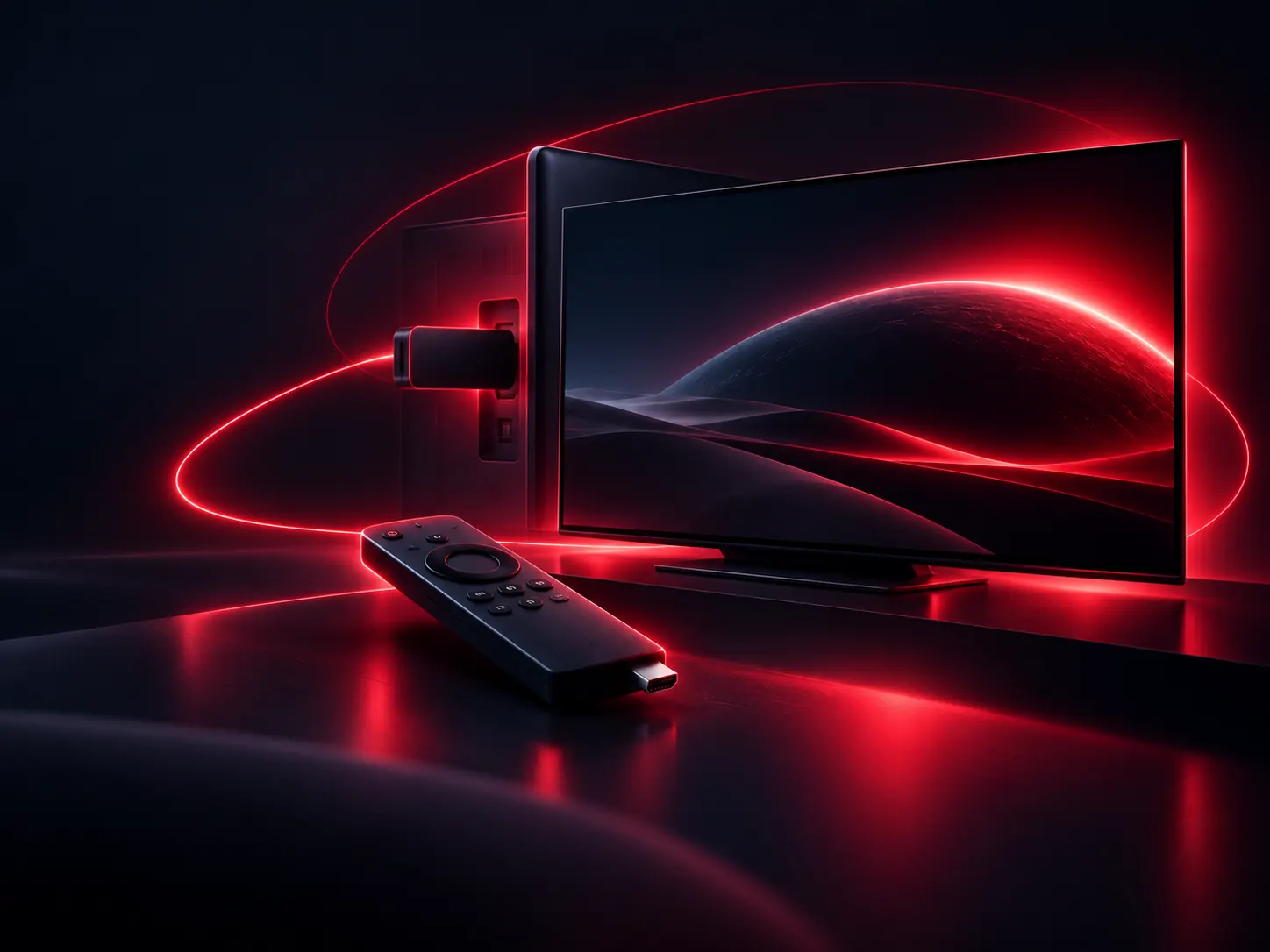
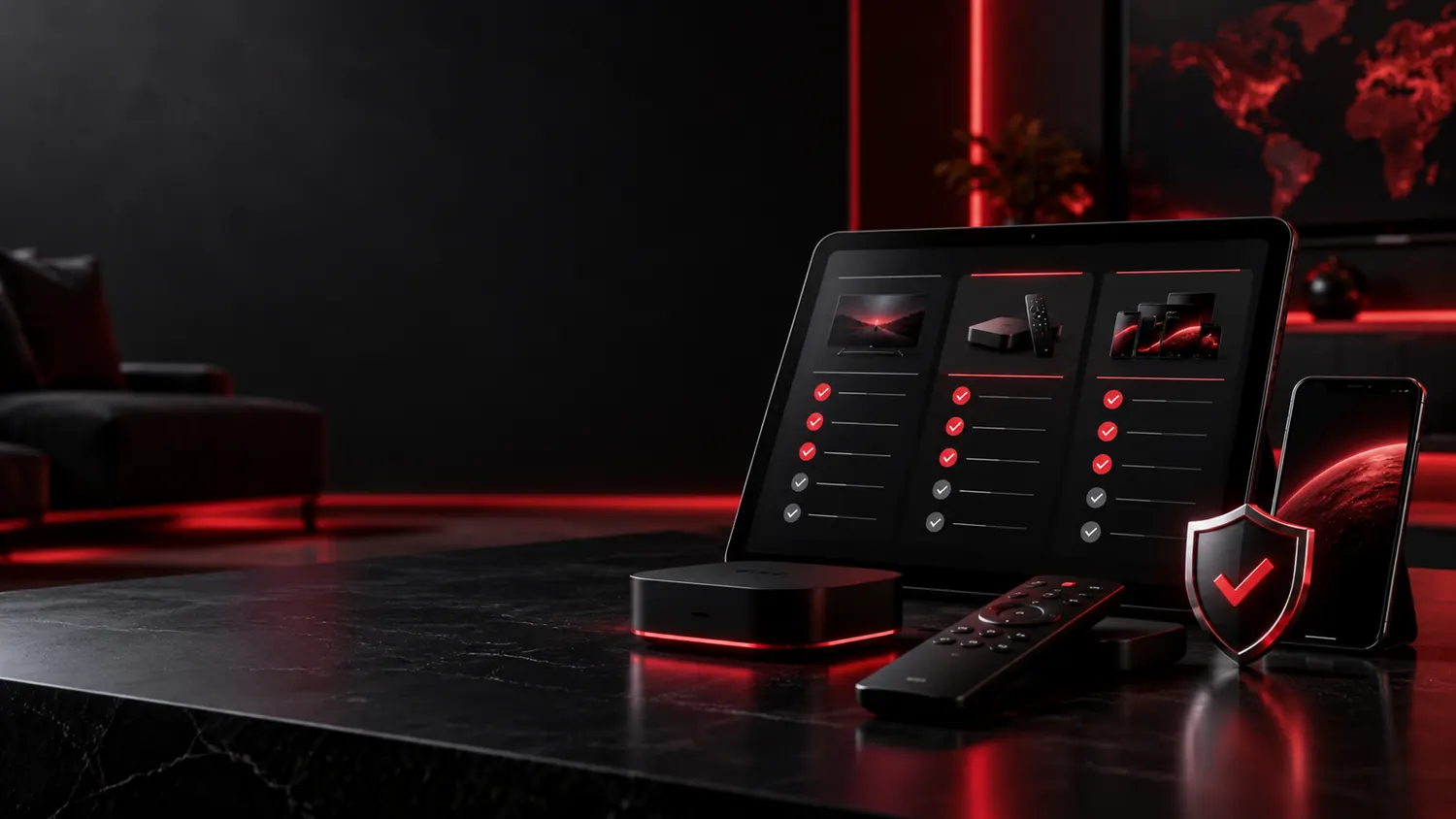
Whether you use a smart TV, Fire TV device, Android TV box or tablet, the best IPTV experience starts with compatible software and a stable internet connection. Before choosing a package, make sure your specific model and region are supported by the service you plan to use.
Smart televisions
Popular smart TV platforms often offer streaming players through an app store. App selection varies by model year, region and operating system. Never assume that a player available on one television will run on another.
Fire TV and Android TV
Fire TV and Android TV systems have their own supported app stores and compatibility rules. Use reputable, verified apps and keep the operating system updated. Avoid installation instructions asking you to weaken the device's security or grant unnecessary permissions.
Phones, tablets and computers
Mobile and desktop viewing depends on the provider's supported application or web player. Some apps require accounts or subscriptions of their own in addition to any television service.
Questions to ask before buying
- Is my exact device model supported?
- Which app should I use, and is it available from a trusted store?
- Are the channels licensed and available in my region?
- What are the network requirements for the promised picture quality?
- How do I get technical assistance if setup fails?
Ask us about your device
When you contact IPTVRESTREAM, include the brand, model and approximate age of your device so the enquiry can be assessed accurately.